by

Storyline
- Why? What's your pain?
- We create a context model from your data
- The context model can be edited and expanded through our UI
- Combine structured and unstructured
- Specify specific public and internal resources of interest
- The more you interact with Cue the better it gets
- Our agent has access to different tools and wisely plans how to combine them
- For example, we can search content based on:
- What type of document
- What content category
- What entities are mentioned?

An “Agent as a Service” that accelerates
domain practitioners'
search for information.
You're in charge of a massive built asset. The decision landscape involves endless moving parts - design changes, budgets, norms, regulations - and it's impossible to navigate, even for a trained professional. The side effects are costly mistakes, lost time and major headaches.
Traditional tools just can't handle the complexity. You're buried in spreadsheets, emails and technical drawings, searching for answers that should be right at your fingertips.
is an AEC-specific agent that accelerates your search for
information—effortlessly and without the need for specialized data
preparation or rigid file structure conventions. More than just a
tool,
invites you
on a quest to interactively carve out meaningful insights.
With ,
you'll spend less time searching for information
and more time doing what you excel at.
agent app
The agent
can be implemented in any host application as a
web component.
The web component can be customized to the host environment.
It can either be embedded directly inside a HTML DIV or as a Floating Action Button (FAB) that will stick to one corner of the screen

There is a dark mode and the font sizes can be adjusted.
More
customization options are continiusly added.
When using the widget through a typical cloud file storage environment like SharePoint or Dropbox the typical flow is as follows:
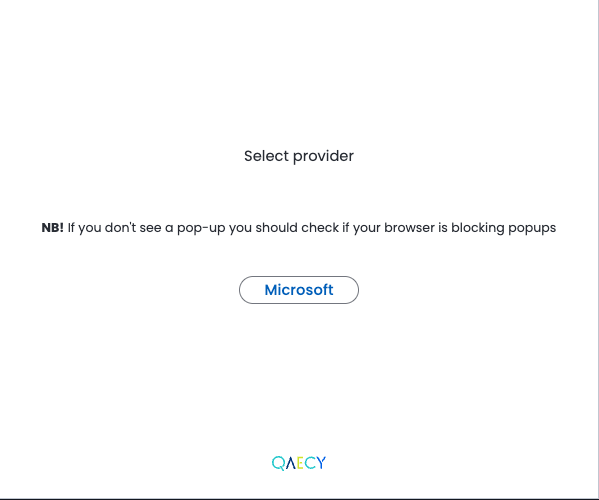
1) The user authenticates with Single Sign-on
2) The user creates an organization unless the user id is already assosiated with one
3) The user creates a project unless the user id is already assosiated with one
4) If the user has sync rights and there are files on the host app to sync the host application will be called for files to sync
Files are then processed by our pipelines and after a short while
they will be part of the
knowledge
repository